Shopify Abandoned Cart 2026 Guide
Emily CarterAugust 19, 20265 min read
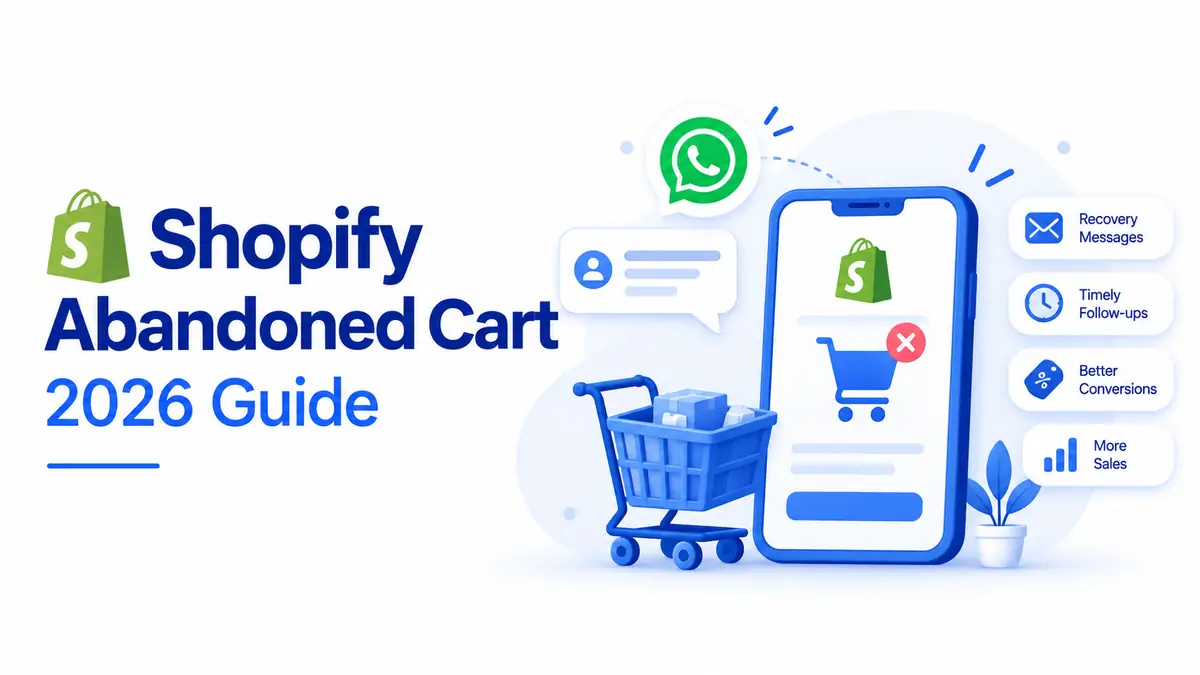
Running a Shopify store in 2026 is about much more than getting customers to your website. You also need to understand what happens when shoppers add products to their carts but leave without completing their purchases. Every unfinished purchase represents a potential sale that could still be recovered with the right strategy. A Shopify abandoned cart does not always mean a customer has changed their mind. They may have been distracted, comparing prices, checking delivery costs, facing a payment issue, or simply planning to return later. For Shopify merchants using automation, Commify.ai can also support this recovery process. This guide explains what abandoned carts and abandoned checkouts mean on Shopify, why customers leave, how abandoned cart recovery Shopify strategies work, and how automation and AI can make the process more effective in 2026.
What Is a Shopify Abandoned Cart?
A Shopify abandoned cart generally refers to a shopping session where a customer adds products to their cart but does not complete the purchase. In practice, Shopify's recovery tools focus particularly on abandoned checkouts, where a shopper has started checkout and provided contact information but hasn't completed payment.
Shopify defines an abandoned checkout as an incomplete checkout after customer contact information has been provided. This distinction is important because not every person who adds an item to a cart is ready to buy. Someone may add a product simply to check the final price, compare shipping options, or save it for later.
Why Do Customers Abandon Their Shopify Carts?
There is rarely one reason behind Shopify cart abandonment. Customers can leave because the final cost is higher than expected, shipping is expensive, delivery takes too long, the checkout process feels complicated, or their preferred payment method is unavailable.
Shopify's abandoned checkout information can include payment events, which can help merchants identify issues such as declined cards, incorrect billing details, payment-processing problems, or failed authentication.
Sometimes the reason is much simpler: life gets in the way. A customer may receive a phone call, close the browser accidentally, or decide to think about the purchase overnight. This is why merchants should not treat every abandoned checkout as a lost customer. Commify.ai can help businesses respond to these situations with timely automated follow-ups.
Difference Between Shopify Abandoned Cart and Abandoned Checkout
The terms abandoned cart Shopify and abandoned checkout are often used interchangeably, but they can describe slightly different stages of the buying journey. An abandoned cart can happen when someone adds products but leaves before beginning checkout. An abandoned checkout occurs later, after the shopper has entered checkout information but hasn't completed the transaction.
For Shopify merchants, this difference matters when creating recovery campaigns. Shopify's current abandoned checkout tools are designed around shoppers who started the checkout process and then left. Shopify also provides a recovery URL that can allow customers to return to their unfinished purchase.
The Best Timing for Abandoned Checkout Messages
Timing can make a significant difference in recovery campaigns. A message sent immediately may feel unnecessary, while waiting too long can allow the customer to lose interest or purchase from another store.
A practical approach is to begin with a short reminder after abandonment, followed by another message if there is no response. The exact timing should be tested based on your products, customers, and average buying cycle rather than treated as a universal formula. Shopify's new abandoned checkout automation gives merchants control over when recovery emails are sent.
How to Build a Simple Recovery Strategy
Start by making sure your Shopify checkout works smoothly and that customers understand shipping, pricing, returns, and payment options. Next, activate your abandoned checkout recovery automation and create a short, customer-friendly message.
Once the basic system is running, measure recovery rate, recovered revenue, average order value, and message performance. Then test different timings, copy, offers, and customer segments. For stores with larger volumes, consider adding conversational AI and other automation tools. Platforms such as Commify.ai can help streamline these automated customer conversations.
What Should You Include in a Recovery Message?
A good recovery message should make returning to the purchase easy. Start with a clear reminder of what the shopper left behind, then provide a direct link to continue checkout. Keep the copy short and natural because customers do not need a long sales pitch when they already know what they were considering.
You can also address common concerns. Commify.ai can be used to automate helpful responses around these common customer questions. If customers frequently hesitate because of shipping, returns, product availability, or payment questions, use your message to provide reassurance.
How to Analyze Shopify Abandoned Checkouts
Recovery becomes much easier when you understand why customers are leaving. Shopify allows merchants to review abandoned checkouts and examine payment events, helping identify patterns that may explain unsuccessful transactions.
Look for patterns rather than individual incidents. Are customers abandoning expensive products more often? Does abandonment increase when shipping costs appear? Do customers from a specific location leave more frequently?
These questions can turn abandoned checkouts from a frustrating statistic into useful customer data. Commify.ai can help connect this insight with automated follow-up workflows. Shopify has also introduced tools that allow workflows to retrieve abandoned checkout data and other automated processes.
Ways to Prevent Shopify Cart Abandonment
Recovery is important, but prevention is even better. If a large percentage of shoppers abandon checkout because of confusing shipping costs, a recovery campaign is only treating the symptom. The underlying checkout experience needs improvement.
Review your checkout regularly. Make pricing transparent, provide clear delivery information, offer trusted payment options, ensure your store works well on mobile devices, and avoid unnecessary steps. Security and trust signals can also reassure customers before they enter their payment details. Shopify specifically recommends measures such as discount codes and security badges as ways merchants can help reduce abandonment.
Final Thoughts
A Shopify abandoned cart is not necessarily a lost sale. In many cases, it is simply an unfinished customer journey. In 2026, successful abandoned cart recovery Shopify strategies are moving beyond basic reminder emails and making better use of Shopify's built-in automation. The best approach is not to chase every abandoned checkout with discounts. Tools such as Commify.ai can help make follow-ups timely and personalized. Instead, understand why customers leave, remove unnecessary friction, personalize your follow-ups, and make it easy for interested shoppers to complete their purchases. When used thoughtfully, Shopify abandoned checkouts and abandoned checkouts Shopify data can become more than a record of lost sales.